01
Choose the bookings
Select the event types, hosts, and meeting locations the review or feedback request should apply to.
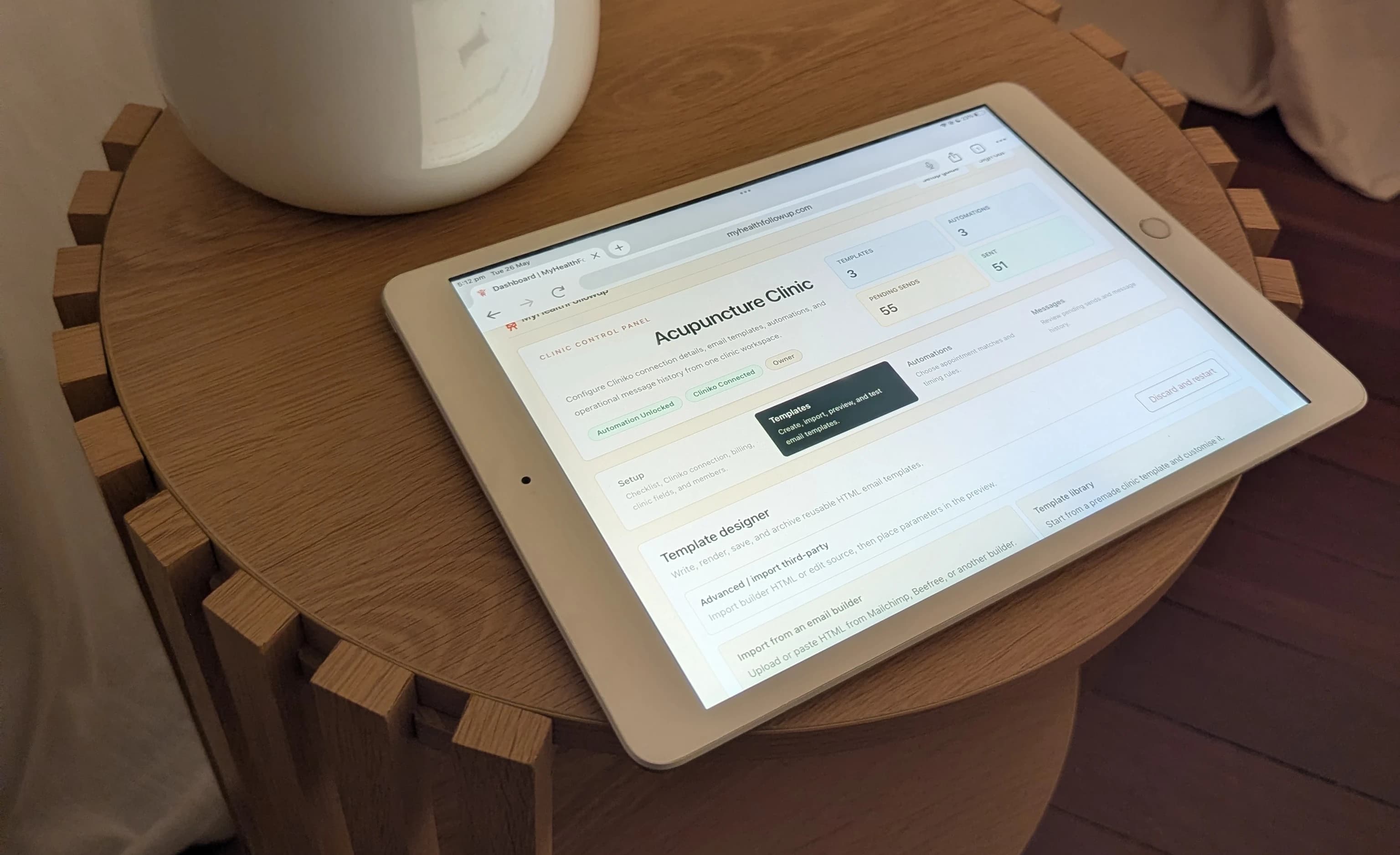
Calendly review request automation
Send a branded follow-up after a Calendly meeting. Choose the exact delay and which event types, hosts, or meeting locations it applies to.
A simple post-booking workflow
01
Select the event types, hosts, and meeting locations the review or feedback request should apply to.
02
Send a chosen number of minutes, hours, or days after the scheduled meeting instead of maintaining a manual follow-up list.
03
Use a ready-made design or your own template, then add the Google review, testimonial, survey, or feedback link that suits the business.
04
Preview Calendly details, send yourself a test, activate the automation, and review scheduled, sent, skipped, or failed messages.
More than public reviews
Ask for a public review after a completed consultation and include the direct review destination in the email.
Request private feedback or a short survey after an introductory call without treating it as a marketing campaign.
Use separate event-type rules when different appointments need different wording, timing, or feedback links.
Checks before sending
A review request is an after-booking automation, so the current Calendly state is checked before the message is sent.
Calendly review request questions
Yes. Set a chosen number of minutes, hours, or days after the scheduled end time.
Yes. Create separate automations and filter each one by event type, host, or meeting location.
The old Calendly booking is treated as replaced. Pending messages tied to it are cancelled, and the replacement booking is evaluated using its new time.
Calendly does not provide the same attendance status available in some clinical booking systems. MyHealthFollowup can check cancellation and reschedule state, but not infer attendance that Calendly has not recorded.
No. It sends the business's email and chosen destination. The invitee decides whether to leave a review or feedback.
Preview it with Calendly booking details