Ready-made and imported templates

Email templates for Cliniko and Calendly bookings.

Build your own with the drag-and-drop designer, start with more than 100 included designs, or import a finished email from your preferred builder. Choose your platform to see the booking details and workflows available.

Open the free email designer

Start from a design, not a blank screen

Keep the booking details practical and make the rest feel like your business.

Templates can be adapted with your copy, colours, links, and images. Live booking values are added when the email is prepared, so the same design can be reused safely.

Buildable from a blank canvas

Four design directions

1/4

Nova

SKIN STUDIO / QUIET CARE

14 MAY 2026
BRISBANE

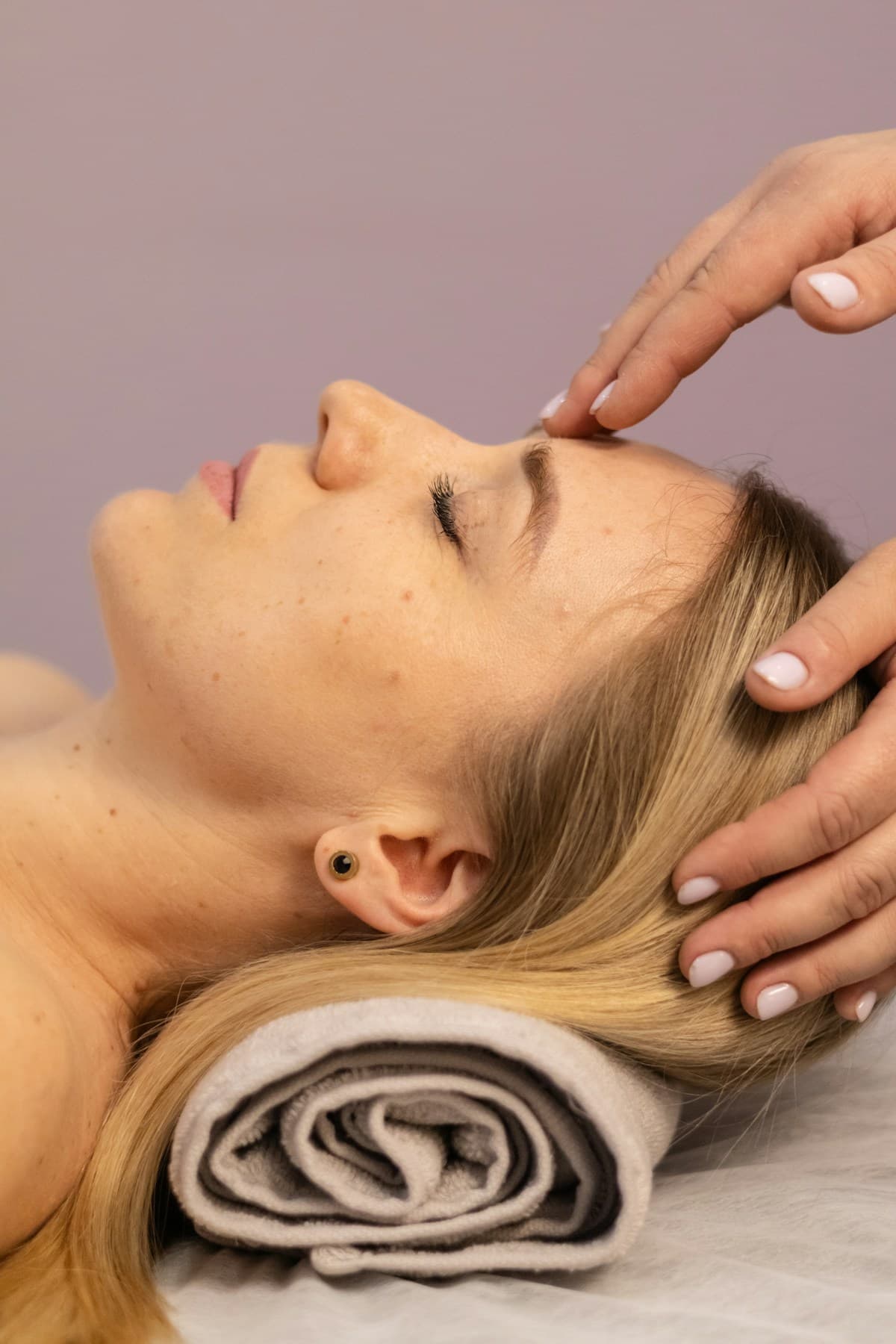
Calm treatment room for the fictional Nova Skin Studio brand

APPOINTMENT CONFIRMED

A quiet moment has been set aside for you.

Hello Alex. Your first visit with Taylor is confirmed. Everything you need for a calm arrival is below.

When

Thursday 14 May, 11:30am

Treatment

First visit

Practitioner

Taylor Morgan

Studio

45 James Street, Brisbane

BEFORE WE MEET

Come as you are.

We will begin with a thoughtful consultation and shape the visit around what your skin needs.

Complete your form →

NOVA SKIN STUDIO

WITH CARE / BRISBANE

Cliniko

Patient, appointment, practitioner, location, and clinic details.

Build preparation, reminder, aftercare, review, rebooking, recall, medical-alert, and patient campaign emails around Cliniko.

Explore Cliniko templates

Calendly

Invitee, event, host, meeting location, and timezone-aware details.

Build confirmations, preparation, reminders, reschedule and cancellation updates, follow-ups, and consent-aware campaigns.

Explore Calendly templates

Common questions

Use the simplest design route that suits you.

Do I need to know HTML?

No. You can build an email in the drag-and-drop designer or use a ready-made template. HTML is only needed if you import a finished design from another builder.

Can I import a design from Mailchimp or Beefree?

Yes. Export the finished HTML from Mailchimp, Beefree, Campaign Monitor, Brevo, or another builder, then import it and add the booking details you want to use.

Can I use my own images and links?

Yes. Supported ready-made templates accept public image URLs, and imported designs can use images hosted by your email builder or another reliable image host.

Templates are included in every plan

Choose your platform, pick a design, and send yourself a test.

Start free trial